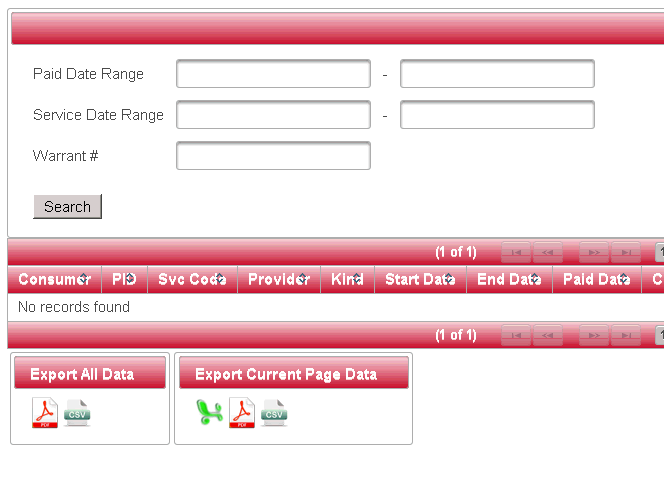
Search CAPS Payment History
The Payment Search Screen allows the user to search CAPS for any range of payments based on a paid date or a service delivery date.
1. Enter the date range that covers either the paid date or the service delivery date.
2. Click on the “Search” button.
The output displayed in the table can be downloaded to the user’s computer by clicking on the Microsoft Excel, PDF or CSV icon.
“Export All Data” dumps all of the data pulled from the search criteria.
“Export Current Page Data” dumps only the data displayed on the current screen.